

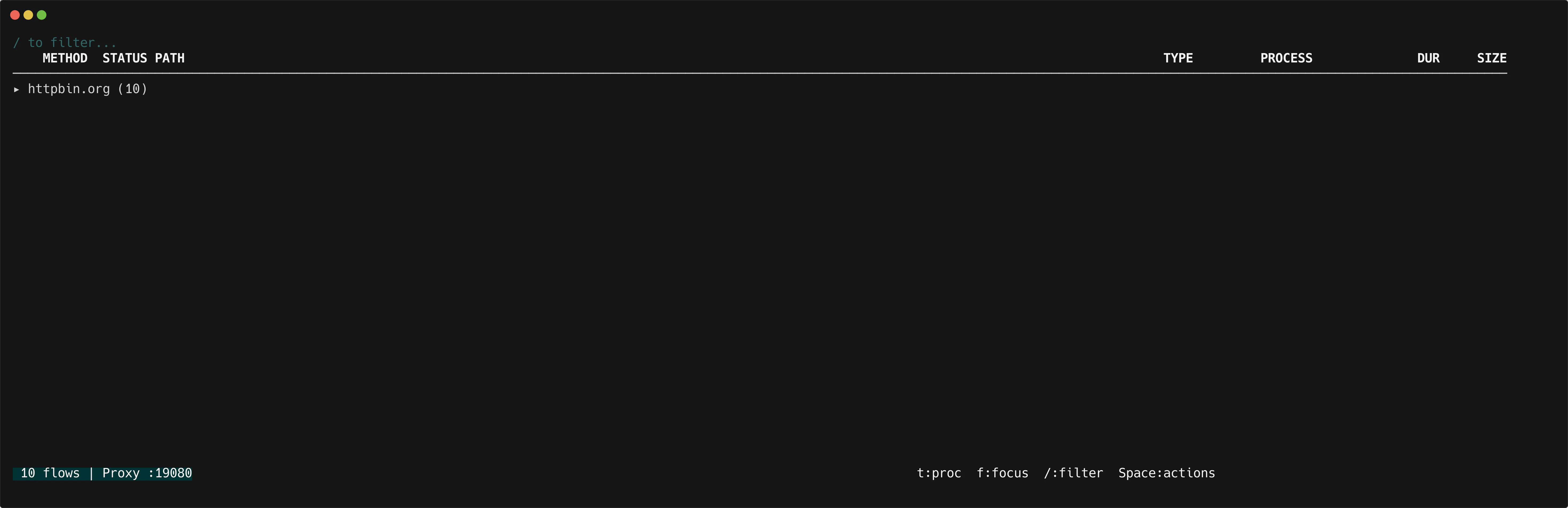
Toggle tree view
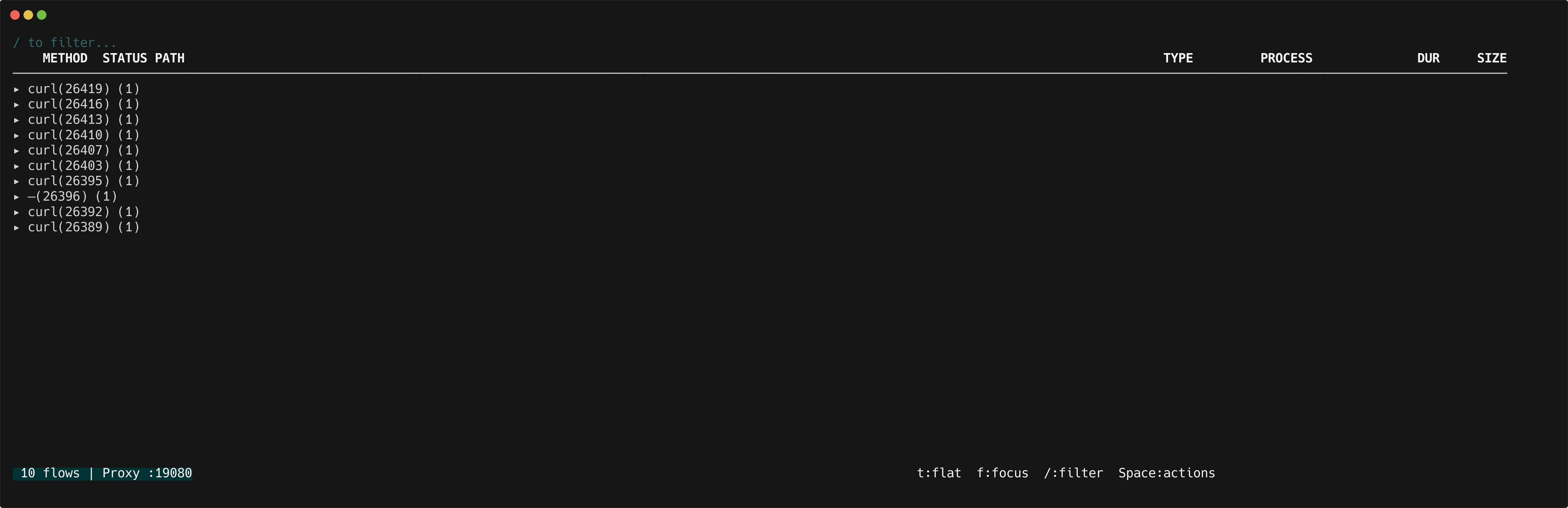
Presst in the flow list to cycle through grouping modes: flat → host → process → flat.
In host mode, flows are grouped by hostname. In process mode, flows are grouped by the OS process that initiated them (see process identification).
Navigation
Focus a single group
Pressf on a group header to focus it. This filters the view to show only flows for that group. Press f again to clear the focus and return to the full tree.