

Mark flows for comparison
- Navigate to the first flow in the flow list and press
dto mark it. - Navigate to the second flow and press
dagain.
What gets compared
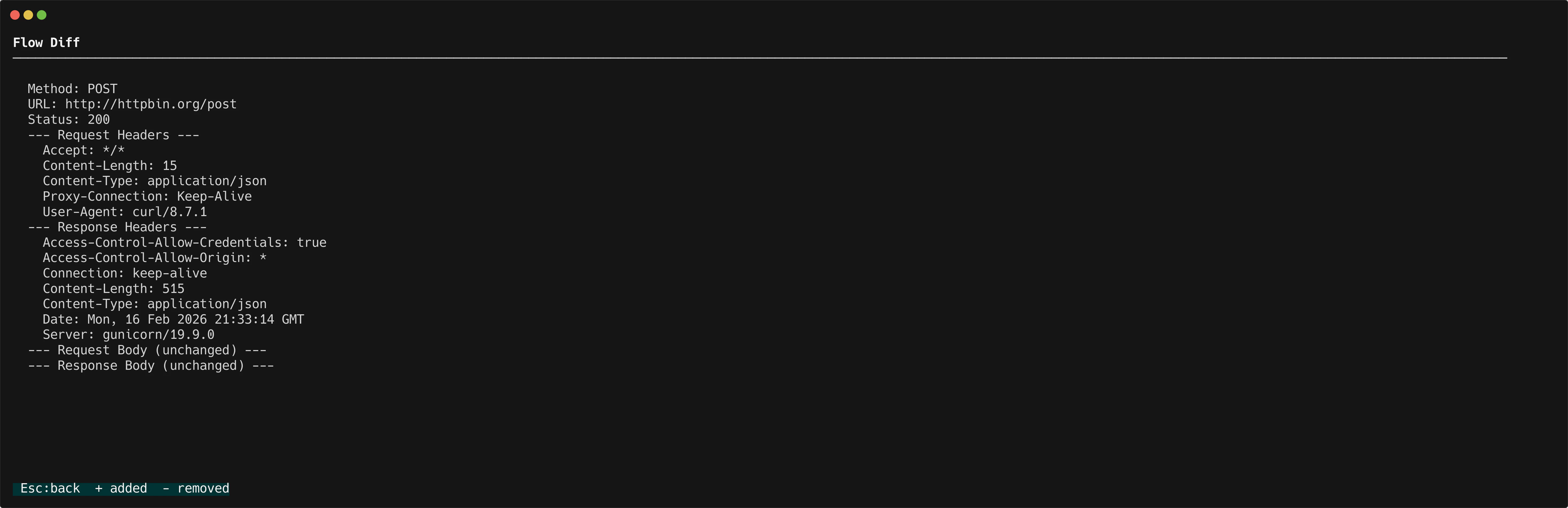
The diff view shows a side-by-side comparison of:- Method and URL — See if the endpoints or HTTP methods differ
- Status code — Compare response status codes
- Headers — Spot added, removed, or changed headers
- Bodies — Line-by-line diff of request and response bodies
When to use diff
- Compare a request before and after a code change
- Verify that a scripting hook modified the right headers
- Check why two similar requests produce different responses