

Host filtering lets you control which traffic httpmon intercepts. You can block noisy hosts or limit capture to only the hosts you care about.

Block hosts

Use --block to intercept everything except the matched hosts. Separate multiple patterns with commas.
httpmon --block "*.ads.com,*.tracking.com"
Blocked hosts pass through the proxy without being captured in the flow list.

Allow hosts

Use --allow to intercept only the matched hosts. Everything else passes through untouched.
httpmon --allow "api.example.com,*.internal"
This is useful when you want to focus on a specific API or set of services.

Priority

Allow takes priority over block. If a host matches both an allow pattern and a block pattern, httpmon intercepts it.

Wildcard matching

Patterns use * as a wildcard on the hostname. The port is stripped before matching.
PatternMatches
*.ads.comtracker.ads.com, cdn.ads.com
api.example.*api.example.com, api.example.io
*.internalservice.internal, db.internal

Common examples

Block analytics and ads:
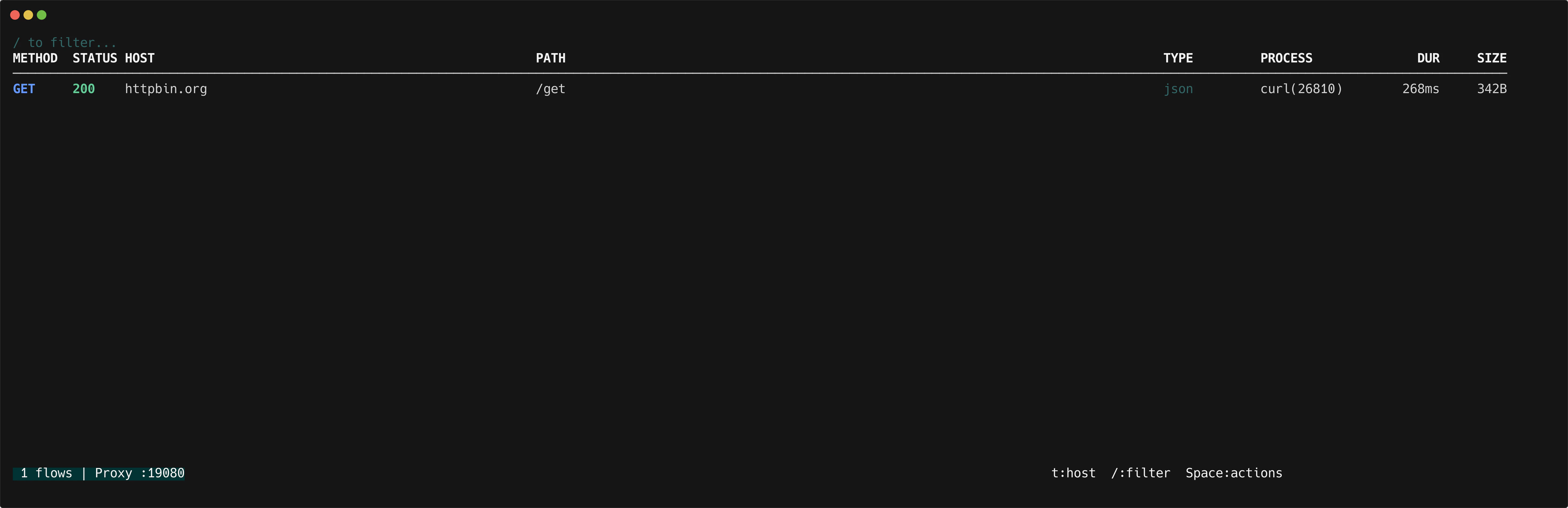
httpmon --block "*.analytics.com,*.ads.com,*.tracking.io"
Focus on your API:
httpmon --allow "api.myapp.com,auth.myapp.com"
Block a single noisy host:
httpmon --block "telemetry.vendor.com"
httpmon host filtering