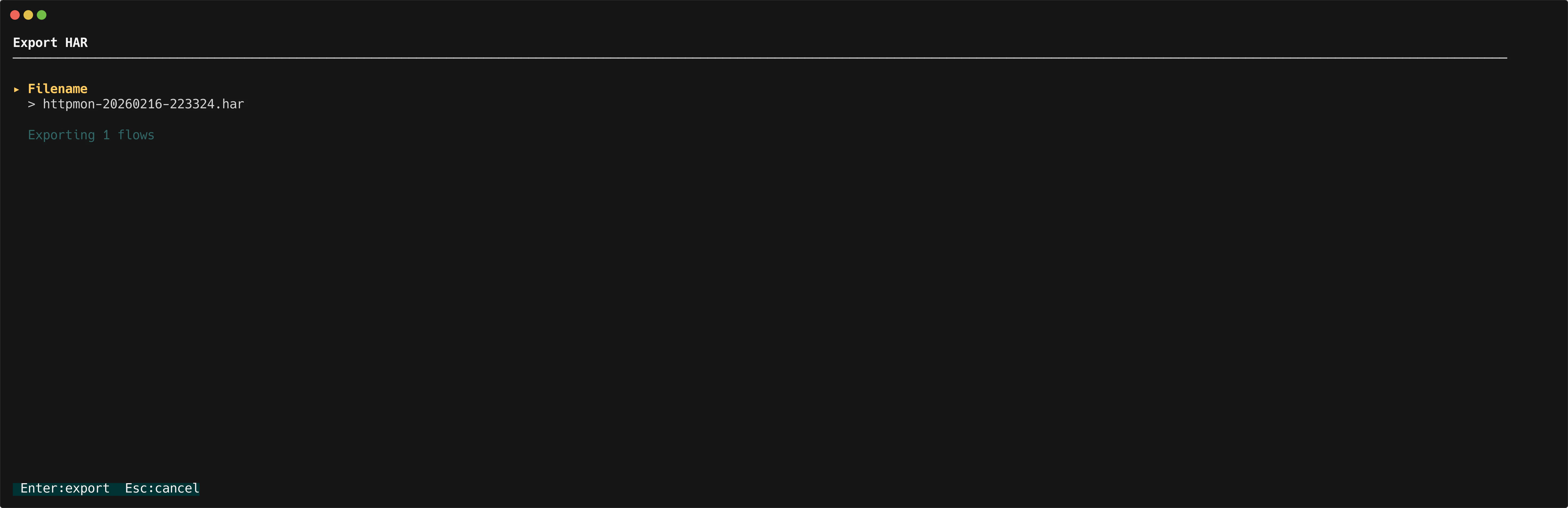

Export all flows
Pressx in the list view to export every captured flow at once.
Export a single flow
Pressx in the detail view to export only the selected flow.
File naming
A modal prompts you for a filename. The default ishttpmon-{timestamp}.har, where {timestamp} is the current
date and time.
Exported fields
Each HAR entry includes:- Request — method, URL, headers, and body
- Response — status code, headers, and body
- Timings — connection, wait, and transfer durations
Viewing HAR files
Open the exported.har file in:
- Chrome or Firefox DevTools (Network tab, import)
- Google HAR Analyzer
- Any HAR-compatible viewer