
curl, Chrome, Safari, or your own application.
How it works
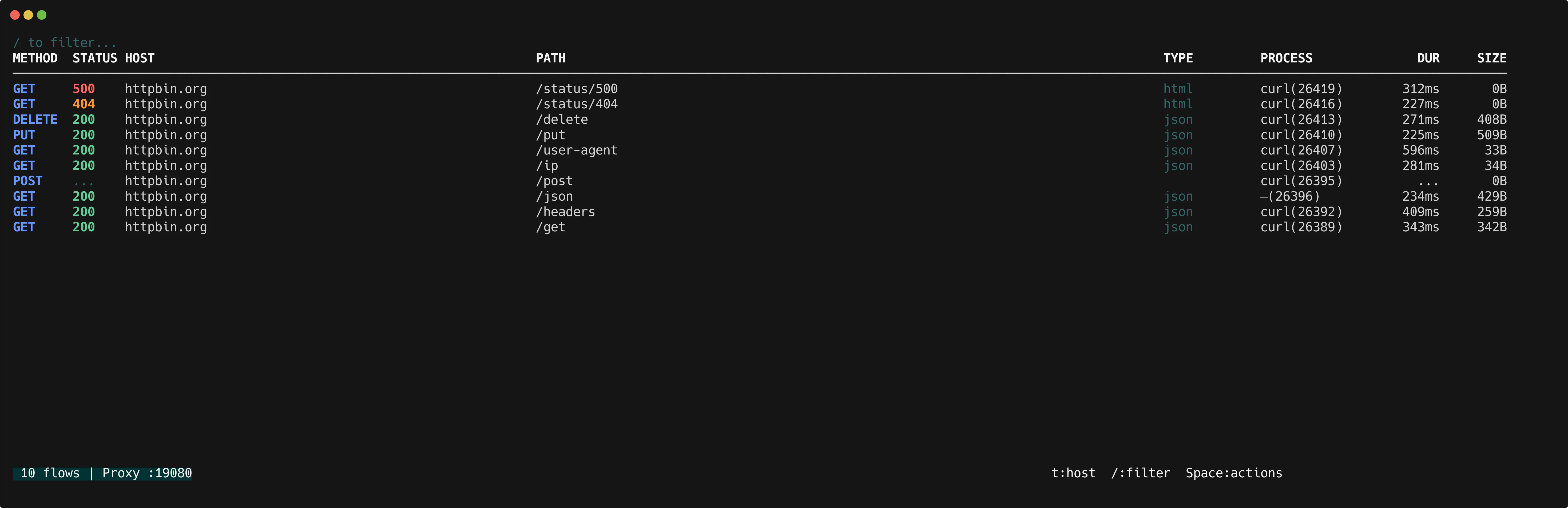
When a request arrives, httpmon looks up which process owns the client connection’s local port. The lookup runs asynchronously so it never slows down the proxy. Results are cached per PID to avoid repeated lookups. If the process exits before resolution completes, or if permissions are insufficient, the column displays an em-dash (—).
On macOS and Linux, process resolution may require elevated permissions. If you see
— for every flow, try running httpmon with sudo.Process column
The flow list includes a PROCESS column showingname(pid) for each flow.
Group by process
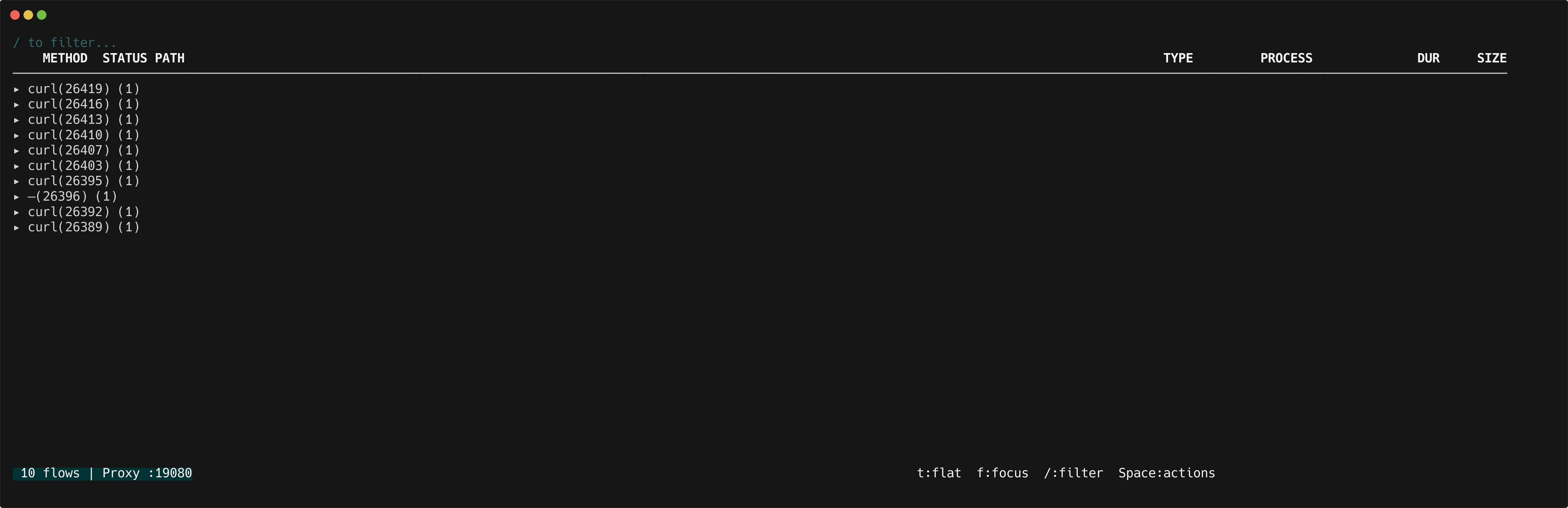
Presst to cycle through grouping modes: flat → host → process → flat.
In process grouping mode, flows are grouped by process name and PID. Each group header shows the process identifier and the number of flows.
Detail view
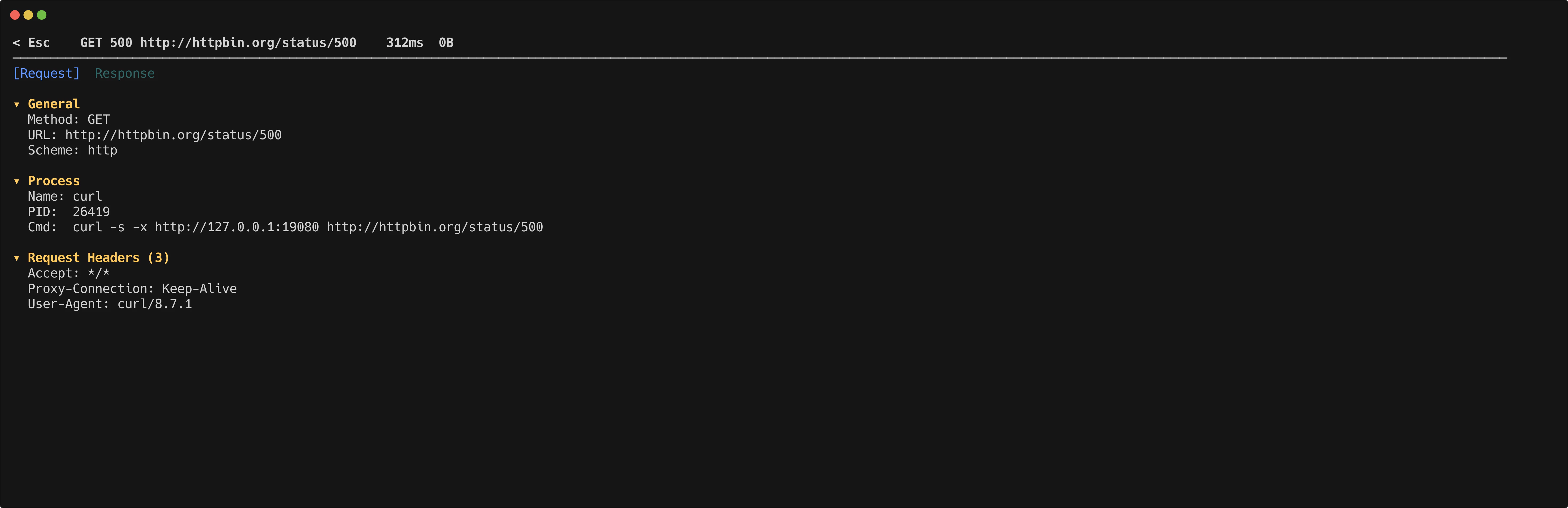
The detail inspector shows a Process section with the full command line that initiated the request.