

Open the composer
PressC from the flow list to open the compose window.
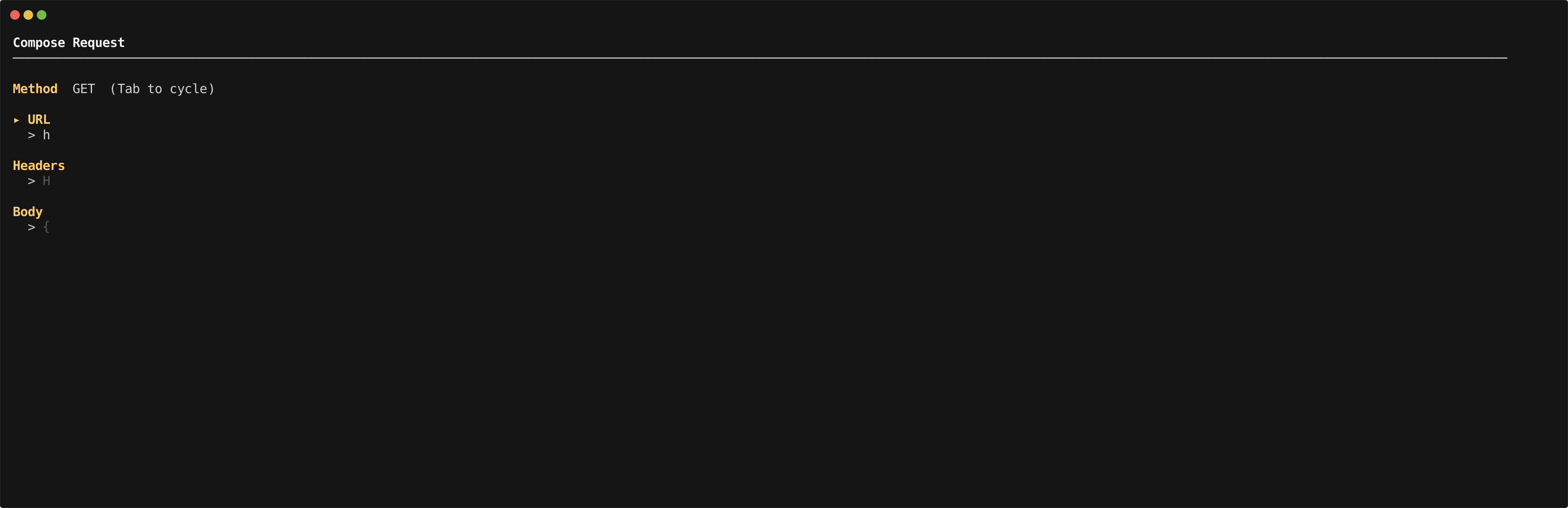
Compose a request
The composer provides four fields:- Method — Select the HTTP method (GET, POST, PUT, DELETE, etc.)
- URL — Enter the full URL for the request
- Headers — Add request headers as key-value pairs
- Body — Enter the request body (for POST, PUT, PATCH)
Tab to navigate between fields.
How it works
When you send a composed request, httpmon routes it through the proxy. The request appears in the flow list with the full request and response details, just like traffic captured from an external application. This makes the composer useful for:- Testing API endpoints without switching to another tool
- Sending requests that your application does not normally make
- Verifying that scripting hooks and breakpoints trigger correctly