

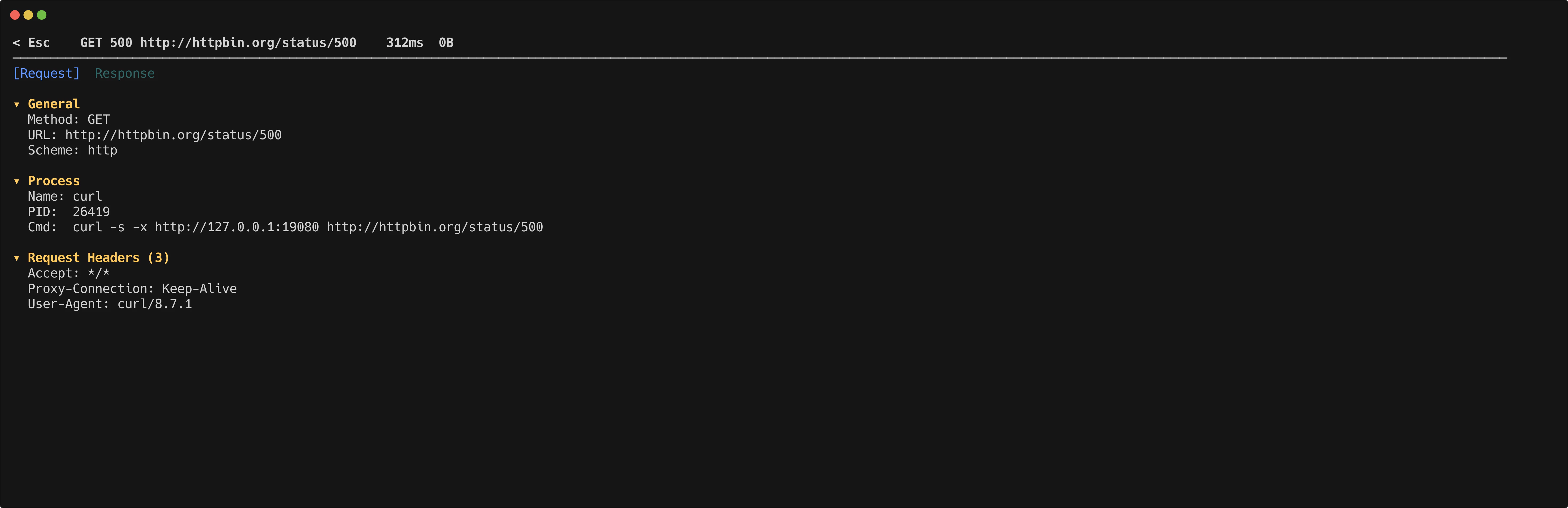
The detail view lets you inspect every part of a captured request and its response.
httpmon flow details

Tabs

Switch between the request and response with number keys.
KeyTab
1Request
2Response

Collapsible sections

Each tab contains three collapsible sections. Toggle them with a single keypress.
KeySection
gGeneral (method, URL, status, timing)
hHeaders
bBody

Body rendering

httpmon applies syntax highlighting to JSON, HTML, and XML bodies automatically.
KeyAction
pToggle between pretty-printed and raw body
iToggle image preview for image responses
eOpen body in external editor (uses $EDITOR)
Press / to search within the current content. Navigate between matches using the standard search keys.
KeyAction
n / NNext / previous flow
d / uHalf-page scroll down / up
j / kScroll content
EscBack to flow list