
1
Install httpmon
Install with Homebrew (macOS/Linux) or see all installation options.
2
Start httpmon and browse
The fastest way to start is with The CA certificate is installed automatically if needed (may prompt for sudo). Proxy settings are restored when httpmon exits.
--browse — it configures the system proxy and opens the URL in your default browser automatically.Manual setup (without --browse)
Manual setup (without --browse)
Launch the proxy and configure your browser or application manually.Set your browser to use
http://localhost:8080 as its HTTP proxy, or use environment variables for CLI tools:3
Inspect traffic
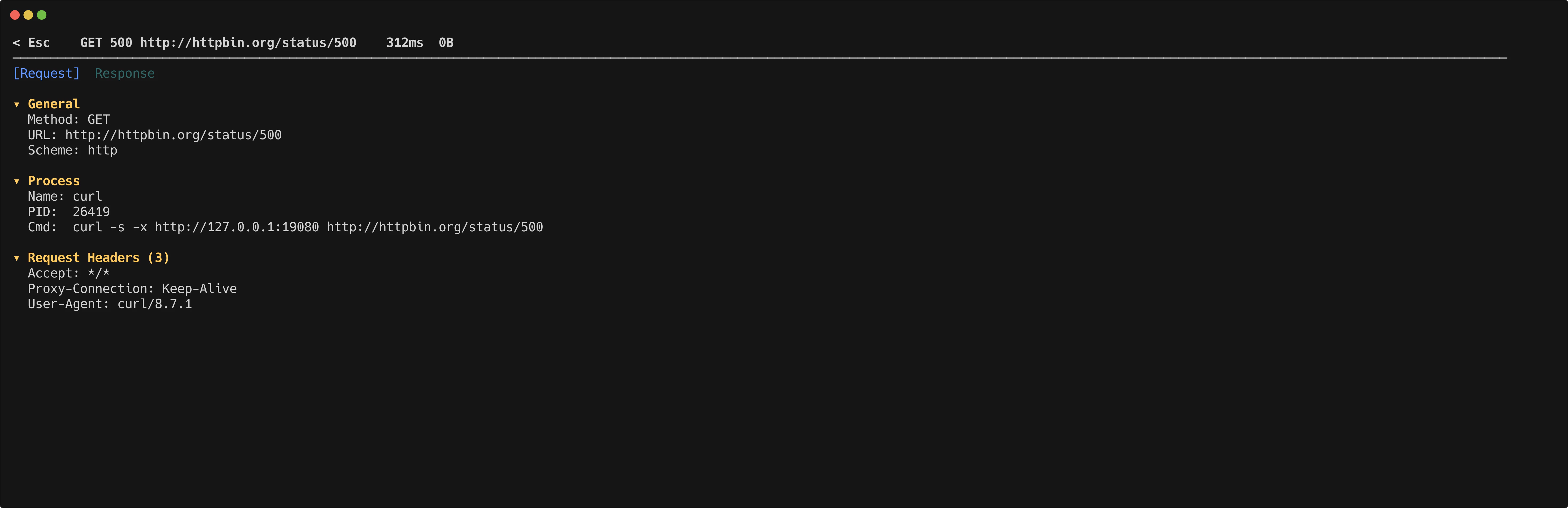
Flows appear in the TUI as they arrive. Use
j and k to navigate the flow list. Press Enter to open the detail inspector for any flow.